How to use Agentic CLI like Claude Code in Your Browser via ttyd

Today I learned about ttyd which lets you use your browser to interact with the CLI
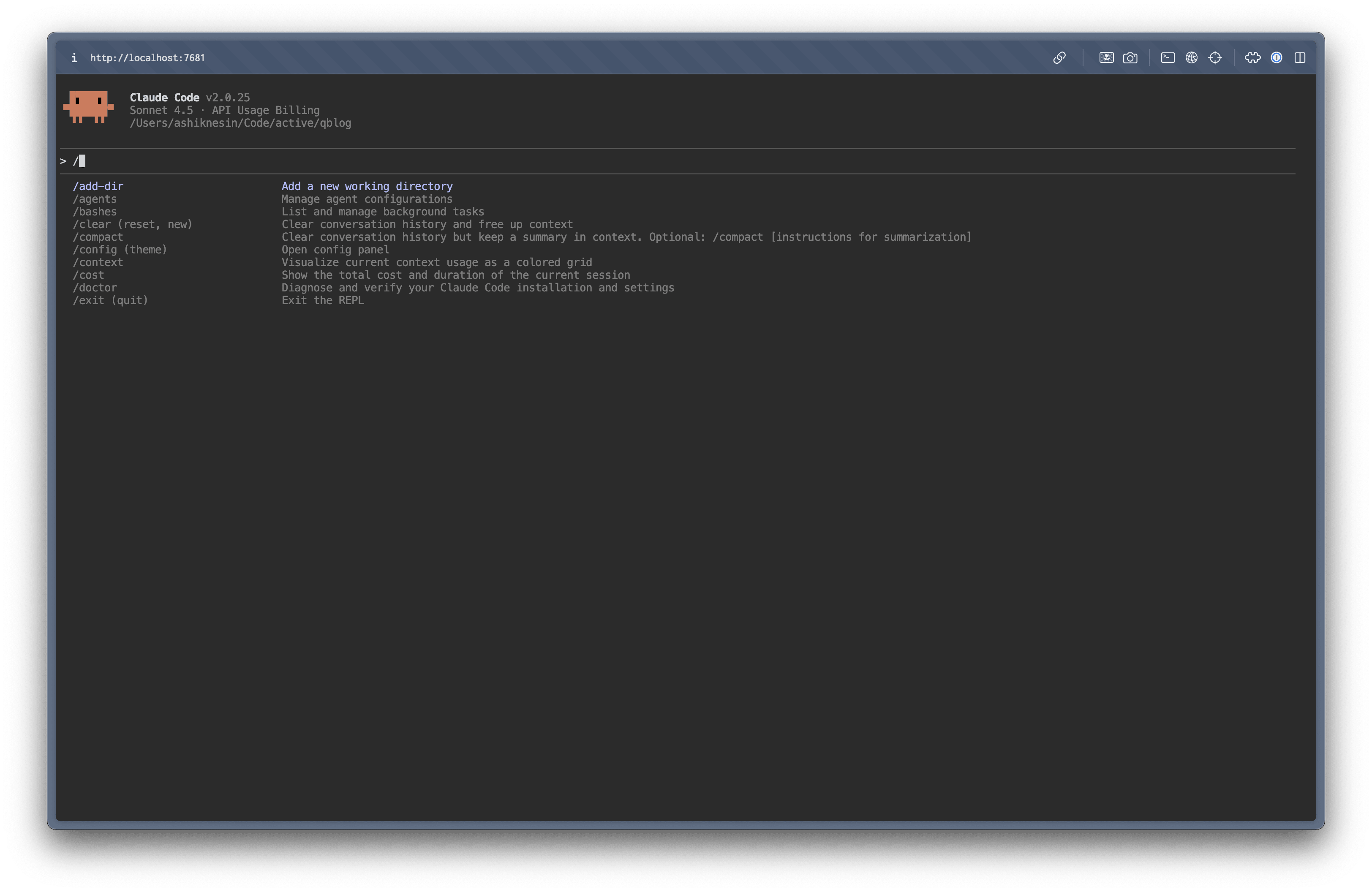
I really like this approach.
I don’t need to switch to different app just to use interact with my terminal.
How to get started?
You can install ttyd on macOS using Homebrew:
brew install ttyd
For other OS, please refer to their docs
Once you’ve installed it, you can run ttyd by running the following command
ttyd [options] <command> [arguments...]
And these are the common command arguments
| Option | Description | Example |
|---|---|---|
-W | Enables write mode (interactive mode). Without this, the terminal is read-only. | ttyd -W bash |
-p <port> | Specifies the port number for the web server. | ttyd -p 8080 -W bash |
-c user:password | Enables basic authentication to restrict access. | ttyd -W -c admin:secret bash |
--readonly | Forces read-only mode, even if -W is used. | ttyd --readonly bash |
For interactive sessions (write mode), use the -W flag.
By default, it launches in read-only mode which might be ideal for viewing logs
For example, to run Claude Code it come like this
ttyd -W claude --dangerously-skip-permissions
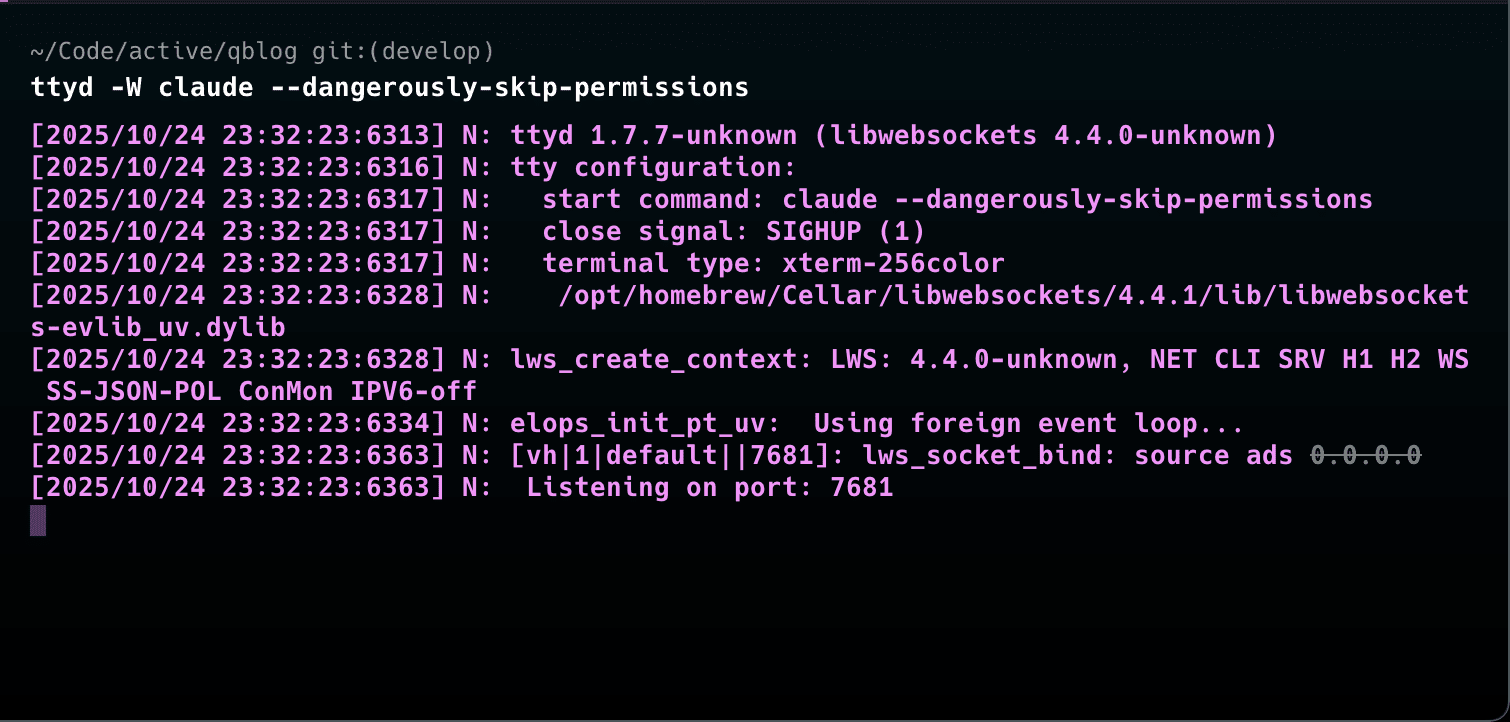
And now you should be able to access it your terminal and interact with it at http://localhost:7681 Except for things like not being able to upload images other things works perfectly.
If you pair it with VPN like Tailscale, you can access your terminal anywhere like even in your mobile.
Happy agentic coding!