Cursor Background Agents API

Cursor’s background AI agents are something that runs on the Cursor’s infrastructure and does the coding for you. It is similar to Google Jules.
With Cursor Background Agents, you can just select the repo you want and tell what to do. And it’ll do and rise PR for you 🤖
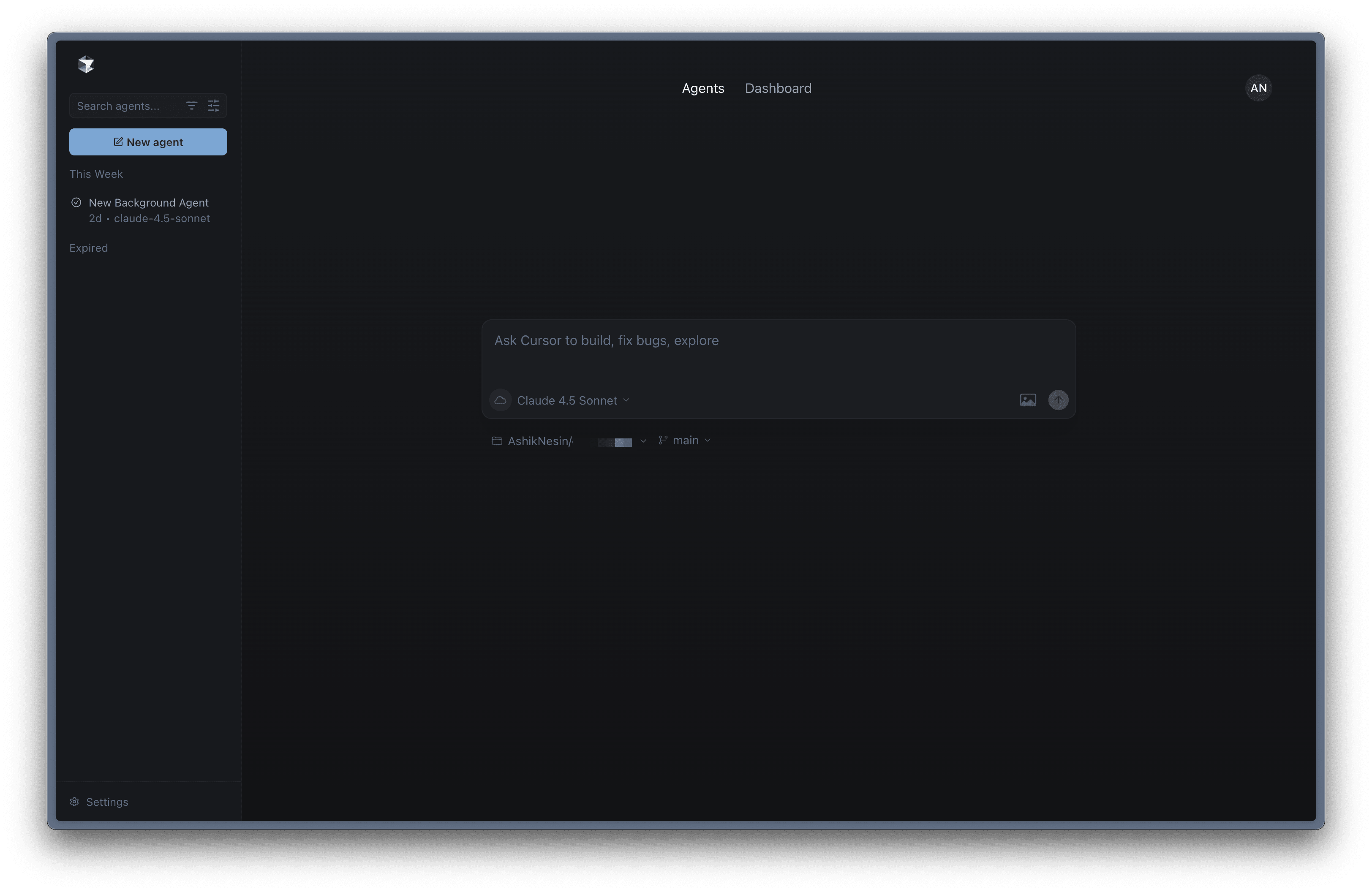
Apparently, they’ve API endpoint for background agents using which you can integrate it your app / workflow like Telegram bot or even a integrate it with Jira and ask it to do ground work for you when a bug is assigned 😅
How to get started?
You need to get the API key from dashboard
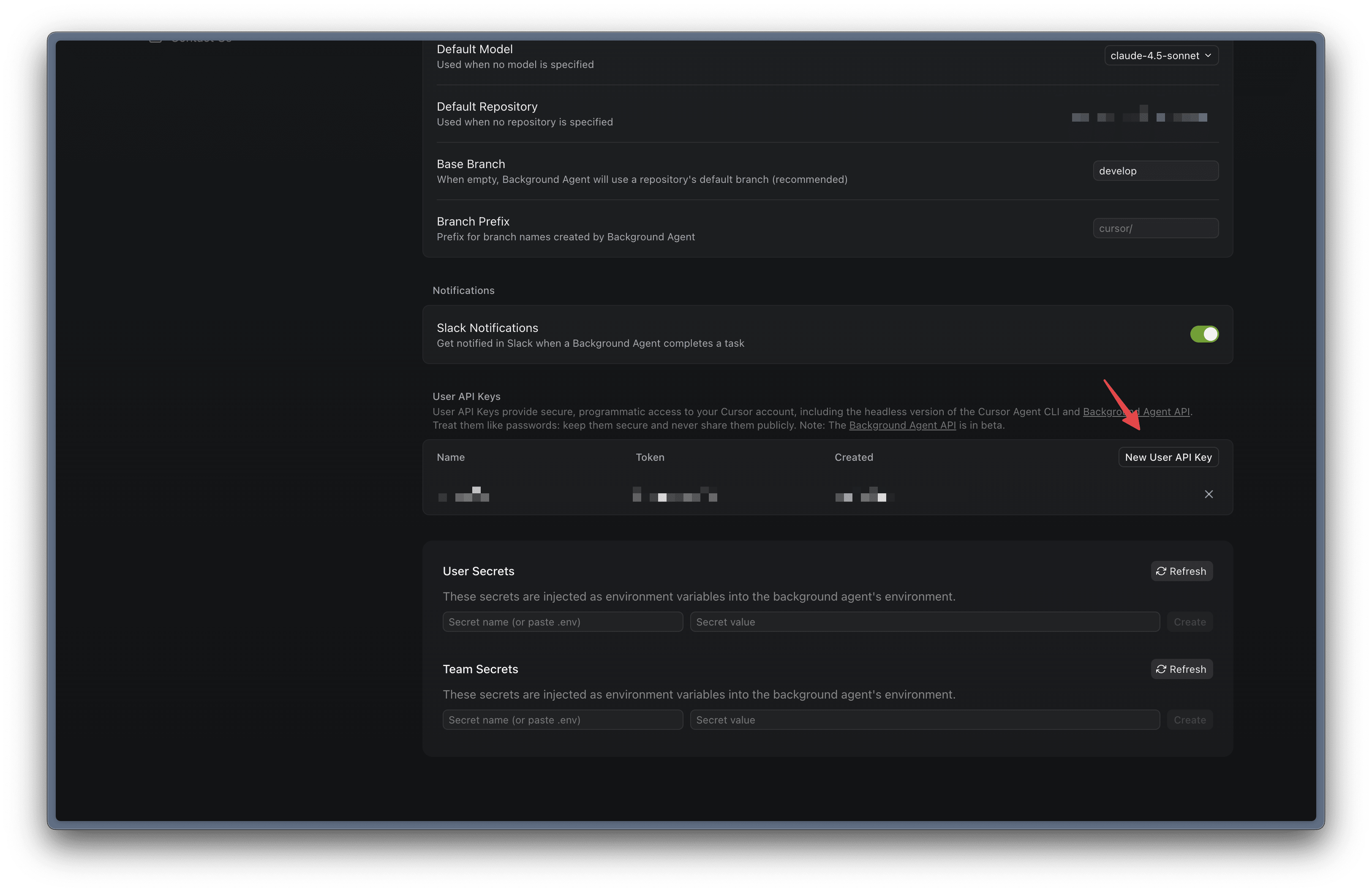
With the API key, you can now launch the agent
curl --request POST \
  --url https://api.cursor.com/v0/agents \
  --header 'Authorization: Bearer $YOUR_CURSOR_API_KEY' \
  --header 'Content-Type: application/json' \
  --data '{
  "prompt": {
    "text": "Your prompt to implement X feature 🌟"
  },
  "source": {
    "repository": "https://github.com/your-name/your-repo",
    "ref": "main"
  }
}'
You can even send image as base64 in the data
{
  "prompt": {
    "text": "Fix this UI issue in the login issue",
    "images": [
      {
        "data": "iVBORw0KGgoAAAANSUhEUgAA...",
        "dimension": {
          "width": 1024,
          "height": 768
        }
      }
    ]
  }
}
You can refer to the API docs for other API endpoints like listing, follow up, etc
Disclaimer
Just beware of the usage cost 😅