Getting Started with the GitHub Copilot SDK

GitHub Copilot team has released SDK for interacting using which we can interact with their CLI.
The communication happens using JSON-RPC between the SDK & CLI.
Your Application
       ↓
   SDK Client
       ↓ JSON-RPC
  Copilot CLI (server mode)
GitHub Copilot CLI takes care of everything like auth, LLM inference, etc.
Dependencies
Make sure you’ve GitHub Copilot CLI and installed and authenticated in your machine.
In macOS you can install it via Brew as well.
brew install copilot-cli
And then authenticate it by running /login command in copilot cli.
It also supports PAT token based auth which might be useful if you plan on using Copilot in server, CI/CD env, etc
We’ll be using Node.js sdk in the blog post, so let’s install that as well.
npm install @github/copilot-sdk
Copilot SDK - Node.js
Let’s see how to use the SDK in Node.js
We’ll need to install the depedency
import { CopilotClient } from "@github/copilot-sdk";

const client = new CopilotClient();
const session = await client.createSession({ model: "gpt-4.1" });

const response = await session.sendAndWait({ prompt: "Why is sky blue?" });
console.log(response?.data.content);

await client.stop();
process.exit(0);
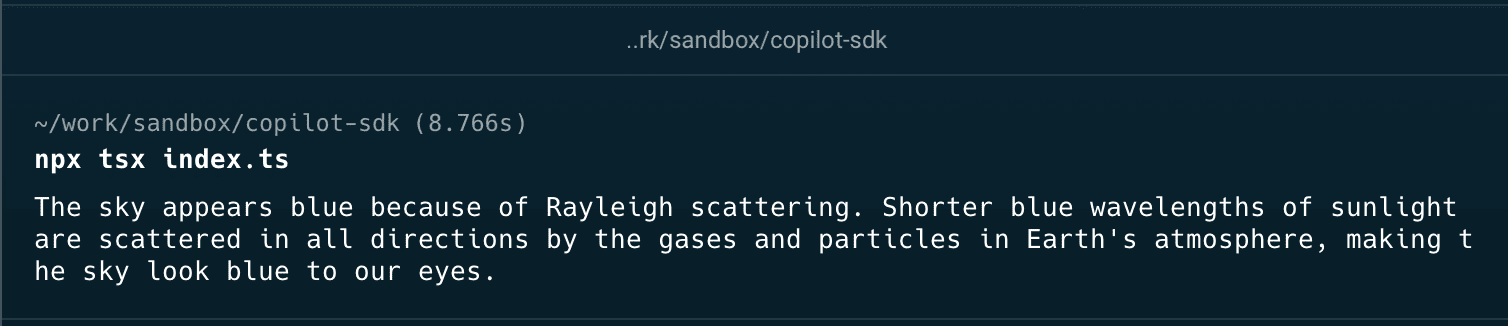
Now you can run this script with something like bun.sh or tsx
npx tsx index.ts
It supports lot of other features as well.
- Streaming Response
- Custom Tool support
- MCP support
- Custom agents
And much more which you can find in their docs
If you’re already using GitHub Copilot then this SDK might be helpful for your to build custom workflows on top of it.
Overall, I feel the way that Copilot SDK feels over-engineeried like having to run a CLI server and having to communicate via JSON-RPC.