OpenAI's GPT-5.1 apply_patch Tool for Code Edits

When we use AI to edit our code, let’s say one-line bug fix or trying to rename a function.
By default, it may not be able to do it efficiently. Unless you handle it in the consumer app (AI IDE/CLI Agents), you might need to send whole file and wait for it to process and return the edited full code.
Editor’s like Cursor, Cline, etc uses different diff format to handle such use cases for example Cline uses search-and-replace diff format.
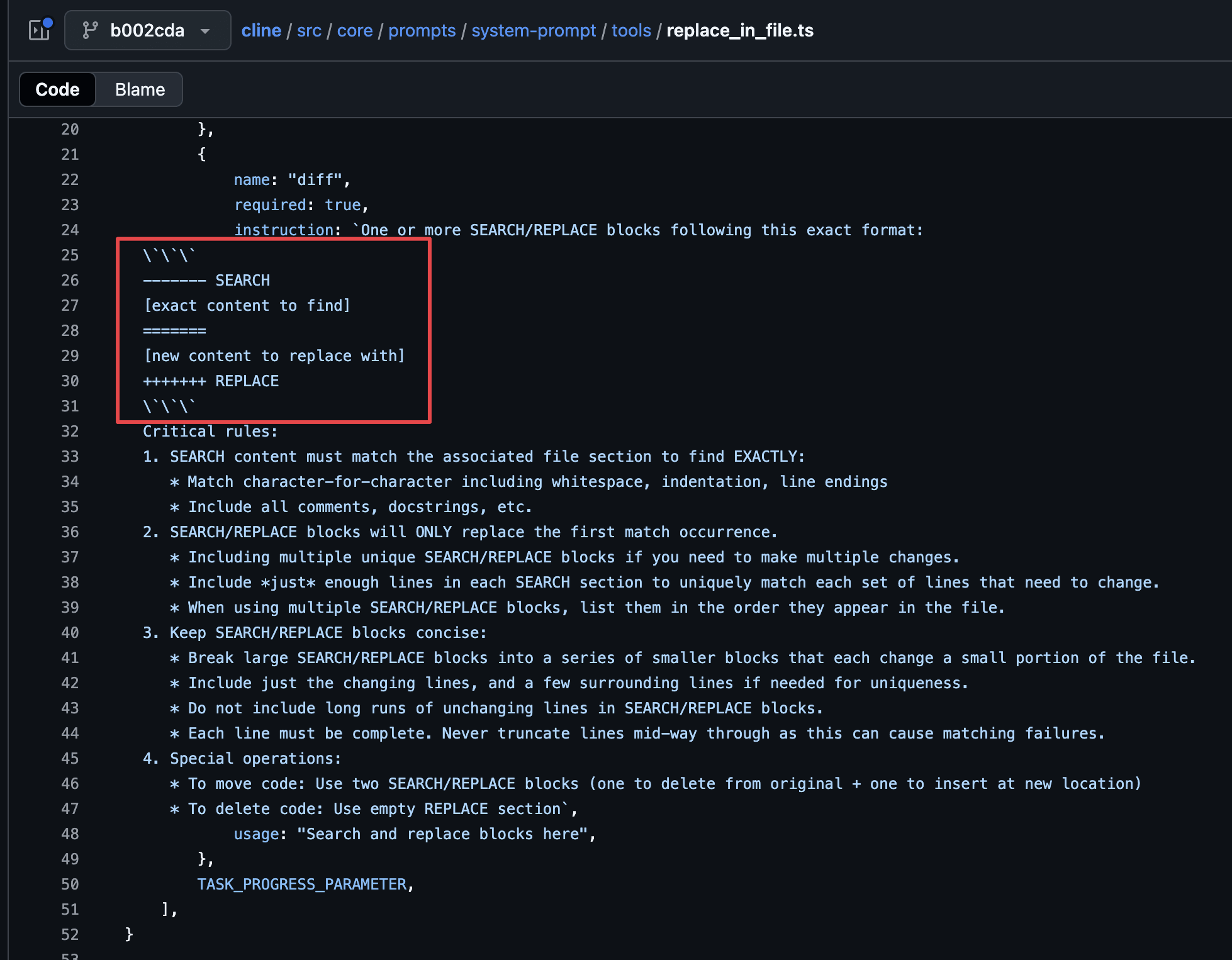
Even though it seem to get the job done, it might not work properly under some scenarios like out of order edits for example after making request to AI, you make a minor change in the code, say you’ve added a comment or something, then it might not work.
When tools like this fail, some of them fall back to writing the entire file 🙈
apply_patch build-in Tool
OpenAI’s GPT-5.1 has a build-in tool to handle such use case apply_patch.
Instead of suggesting edits in plain text, the model returns with structured patch operations that the applications can directly use. This enable multi-step code editing workflow.
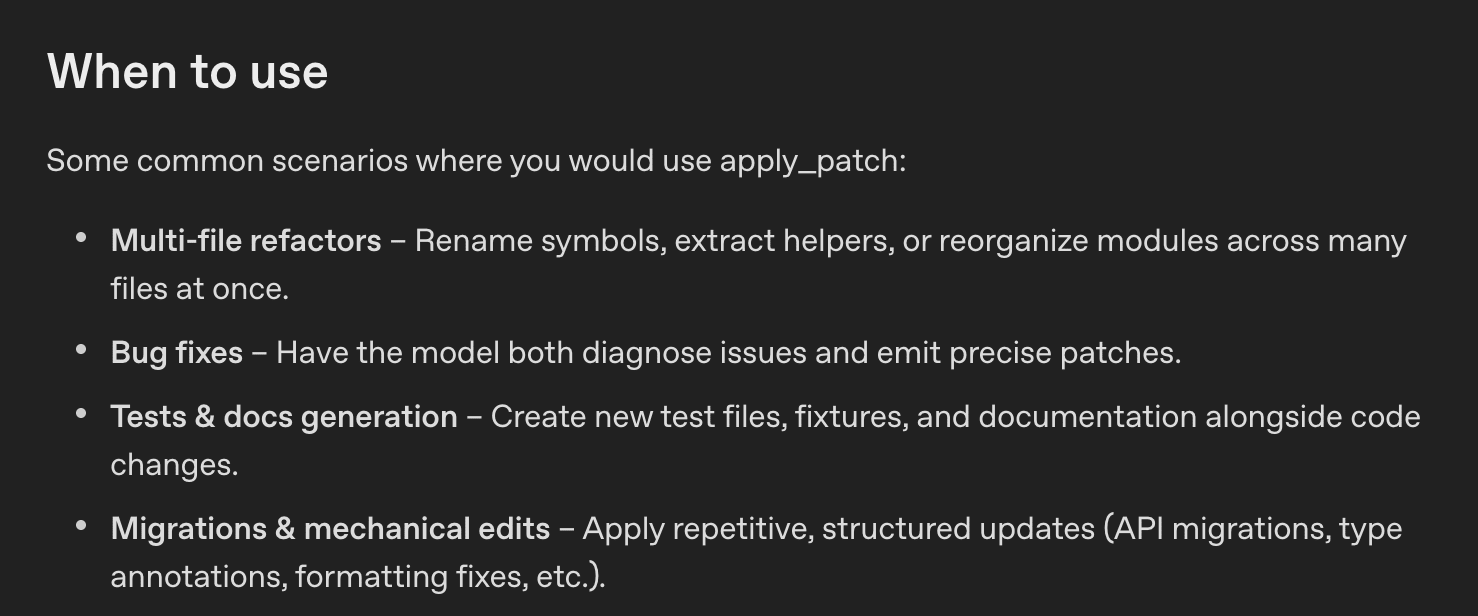
The apply_patch format supports the following 3 operations:
| Operation Type | Purpose |
|---|---|
| create_file | Create a new file at path. |
| update_file | Modify an existing file at path. |
| delete_file | Remove a file at path. |
Why it works?
- No more find-and-replace exact matching
- Standard (assuming other models also starts supporting it like MCP)
- Multi-File Operations
Why it matters?
When the model can make surgical edits we get lot of benefits like
- Less token usage (less money 😅)
- Makes fewer mistakes
- Iterates faster
Note: The apply_patch tool is only available through OpenAI’s Responses API not Chat API.
You can refer the guides on how to get use it in your codebase.