React Grab - Give AI Exact Component Context

React Grab makes it easy to work on frontend projects.
Instead of letting the AI figure out where it needs to make the change. You can give explict context easily and that helps the LLM to avoid trying to figure out where it needs to make the change - effectively saving time & money (tokens)
As the name suggest it currently works only on React framework for now.
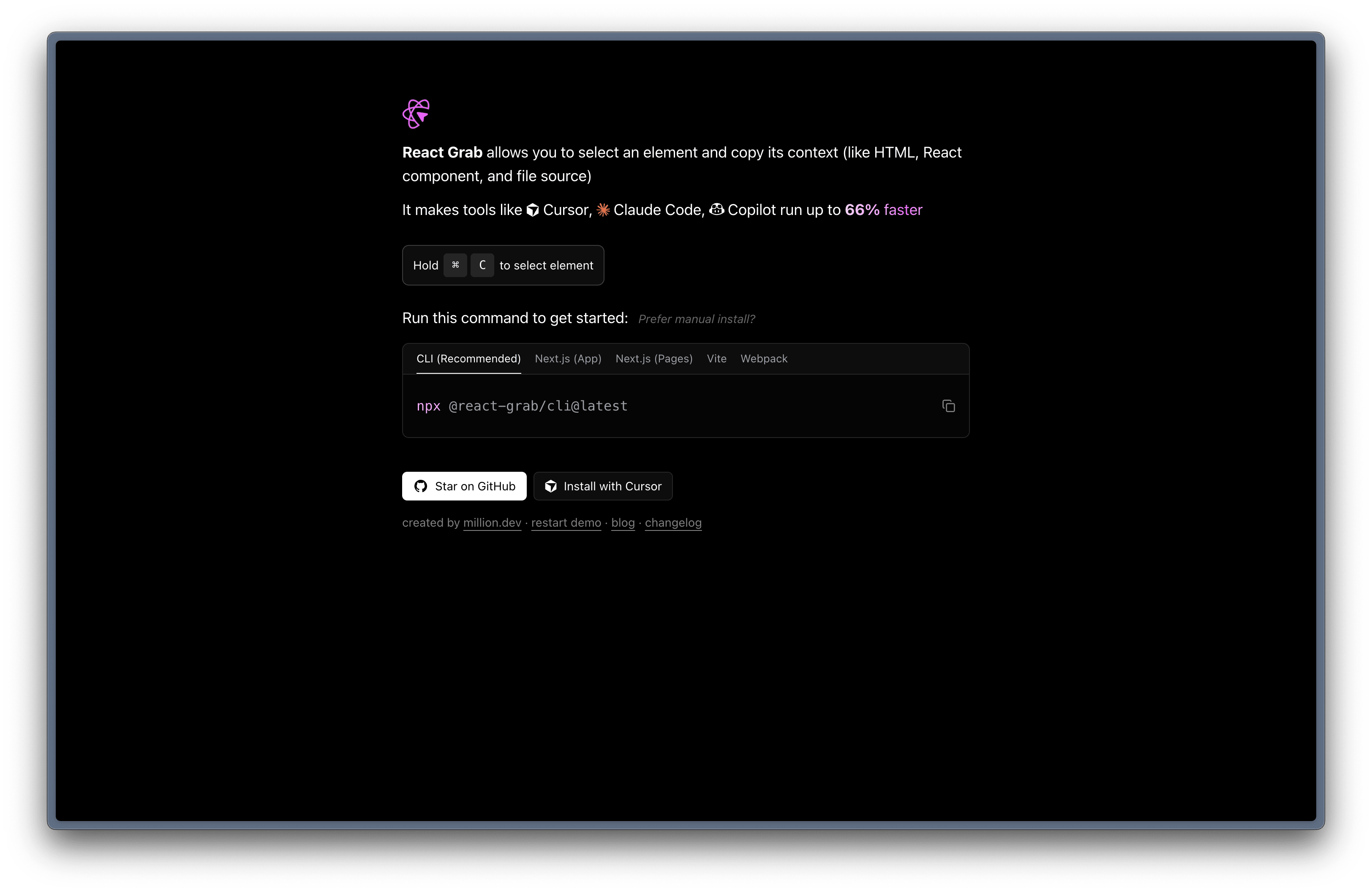
How to get started?
You can set this up using their dedicated CLI
npx @react-grab/cli@latest
If that doesn’t workout you can install it manually as well.
In my case, I’m setting this up in my vite
npm install react-grab
Add I’ve added this in the index.html
<script type="module">
      // first npm i react-grab
      // then in head:
      if (import.meta.env.DEV) {
        import("react-grab");
      }
</script>
That’s pretty much it.
You should be now able to select the element in your react app by pressing CMD + C
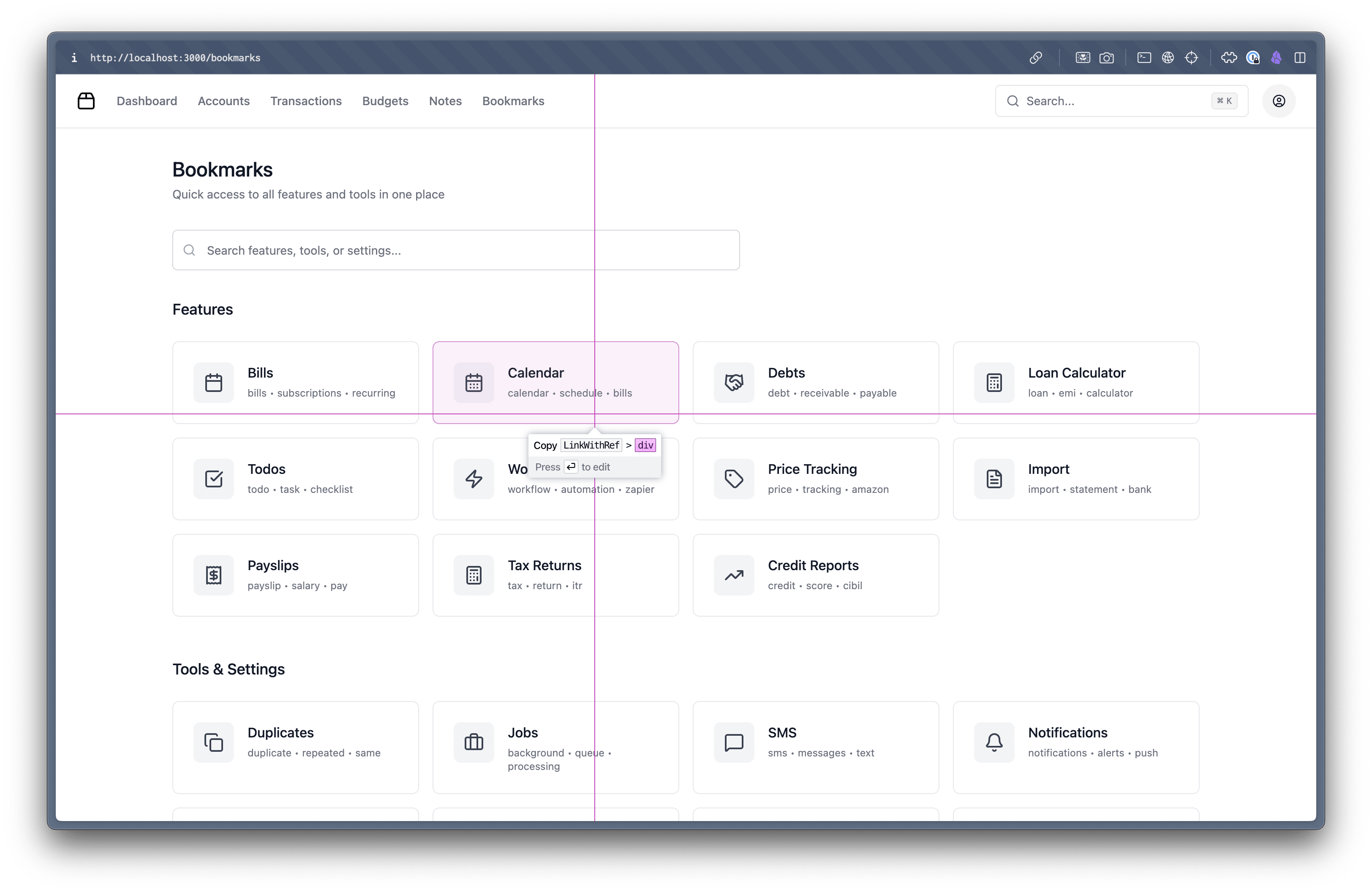
<div class="h-full border border...">
  <div ...>
  Calendar

calendar • schedule • bills
</div>
  in Bookmarks (at //localhost:3000/src/pages/Bookmarks.tsx)
  in Layout (at //localhost:3000/src/components/Layout.tsx)
  in ProtectedRoute (at //localhost:3000/src/components/ProtectedRoute.tsx)
Happy building frontend-app!