How to run Gemma 4 locally with llama-server and access it via API

We’ll be using llama-server to serve the Gemma 4
Depedency
If you don’t have llama-server, then you can install it using brew (macOS/Linux), refer docs for other ways to install it.
brew install llama.cpp
And we can download the LLM by running this command.
llama-server -hf ggml-org/gemma-4-26b-a4b-it-GGUF:Q4_K_M
Make sure to change LLM varient based on the available GPU/memory in your machine.
That’s pretty much it. It’ll serve the LLM on port 8080 by default.
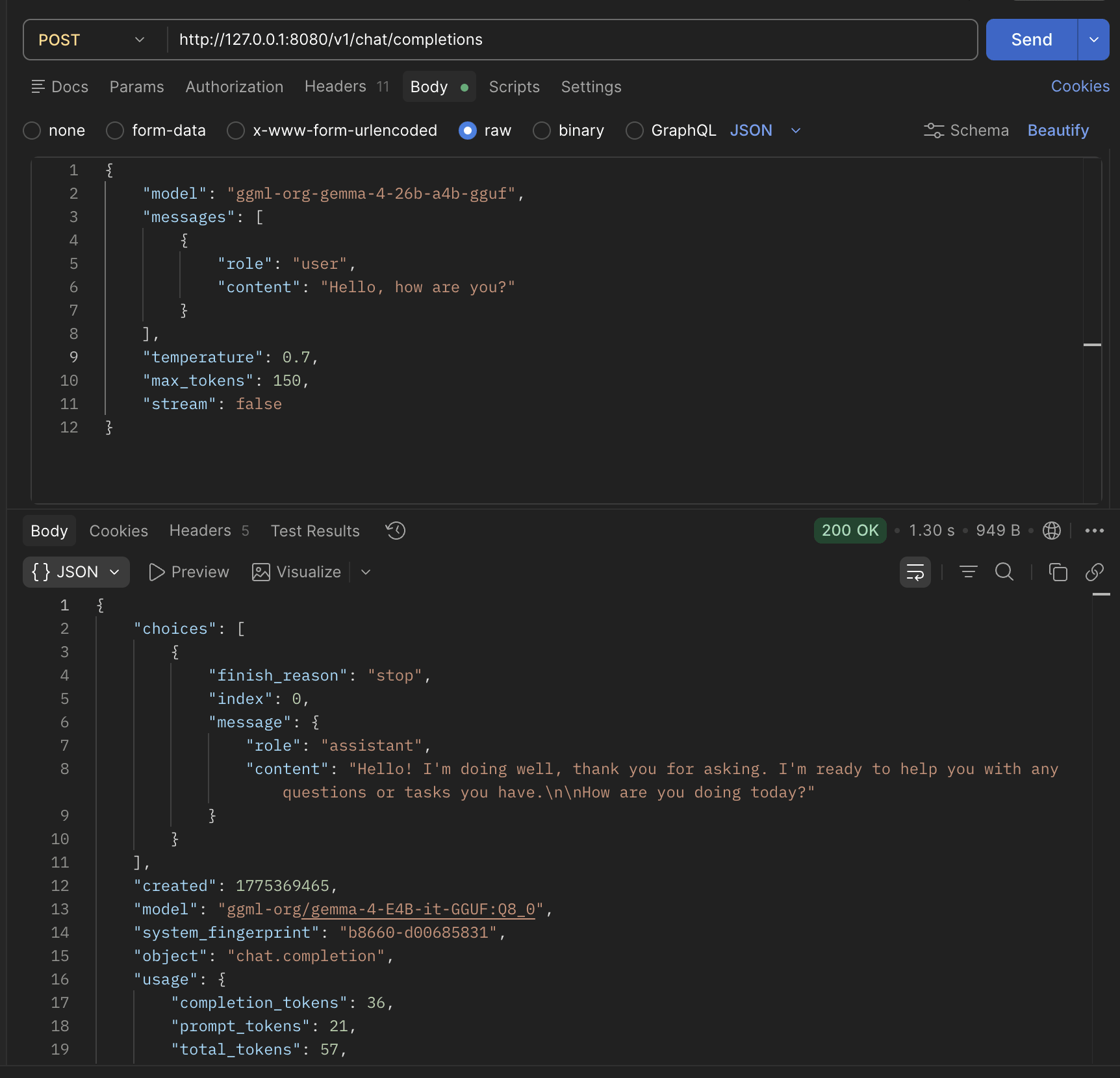
Making API Request
It uses OpenAI’s Chat completion API
curl --location 'http://127.0.0.1:8080/v1/chat/completions' \
--header 'Content-Type: application/json' \
--header 'Authorization: Bearer llama.cpp' \
--data '{
        "model": "ggml-org-gemma-4-26b-a4b-gguf",
        "messages": [
          { "role": "user", "content": "Hello, how are you?" }
        ],
        "temperature": 0.7,
        "max_tokens": 150,
        "stream":false
}'
And we get a response like this
{
    "choices": [
        {
            "finish_reason": "stop",
            "index": 0,
            "message": {
                "role": "assistant",
                "content": "Hello! I'm doing well, thank you for asking. I'm ready to help you with any questions or tasks you have.\n\nHow are you doing today?"
            }
        }
    ],
    "created": 1775369465,
    "model": "ggml-org/gemma-4-E4B-it-GGUF:Q8_0",
    "system_fingerprint": "b8660-d00685831",
    "object": "chat.completion",
    "usage": {
        "completion_tokens": 36,
        "prompt_tokens": 21,
        "total_tokens": 57,
        "prompt_tokens_details": {
            "cached_tokens": 0
        }
    },
    "id": "chatcmpl-jVOSFDmeP3ie9vCo3MgcUMmpFBHv2rq1",
    "timings": {
        "cache_n": 0,
        "prompt_n": 21,
        "prompt_ms": 164.733,
        "prompt_per_token_ms": 7.844428571428572,
        "prompt_per_second": 127.47901149132232,
        "predicted_n": 36,
        "predicted_ms": 1046.38,
        "predicted_per_token_ms": 29.066111111111113,
        "predicted_per_second": 34.40432729983371
    }
}