How to use Google Gemma-4 in OpenClaw

Google has recently released Gemma 4 which is an open source (without any catches 😅)
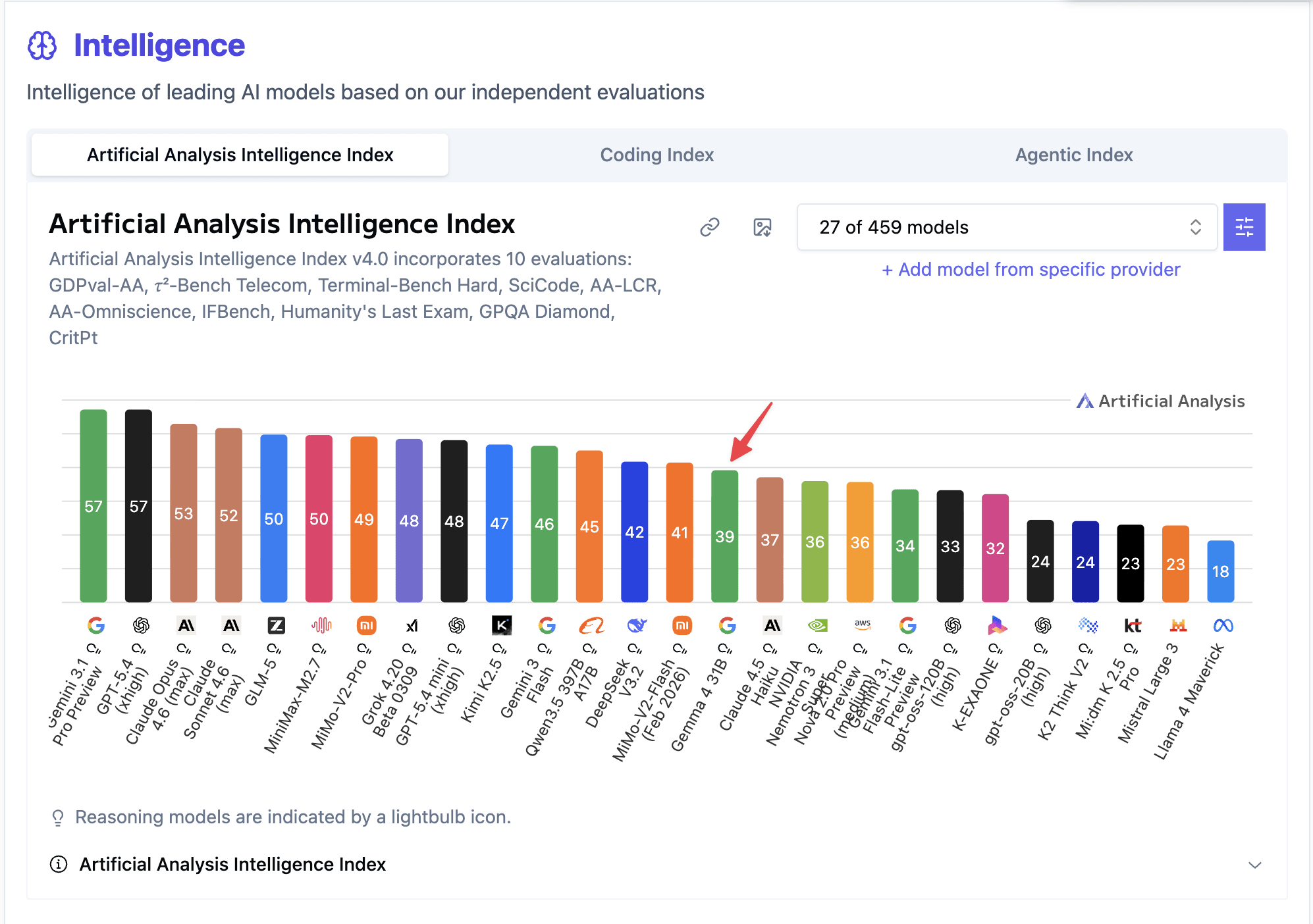
It seems to perform as good as Claude Haiku 4.5, so it might be good for any lightweight and quick job which doesn’t need much intelligence.
Let’s see how to use this with OpenClaw
Depedency
We’ll be using llama-server for running the LLM locally.
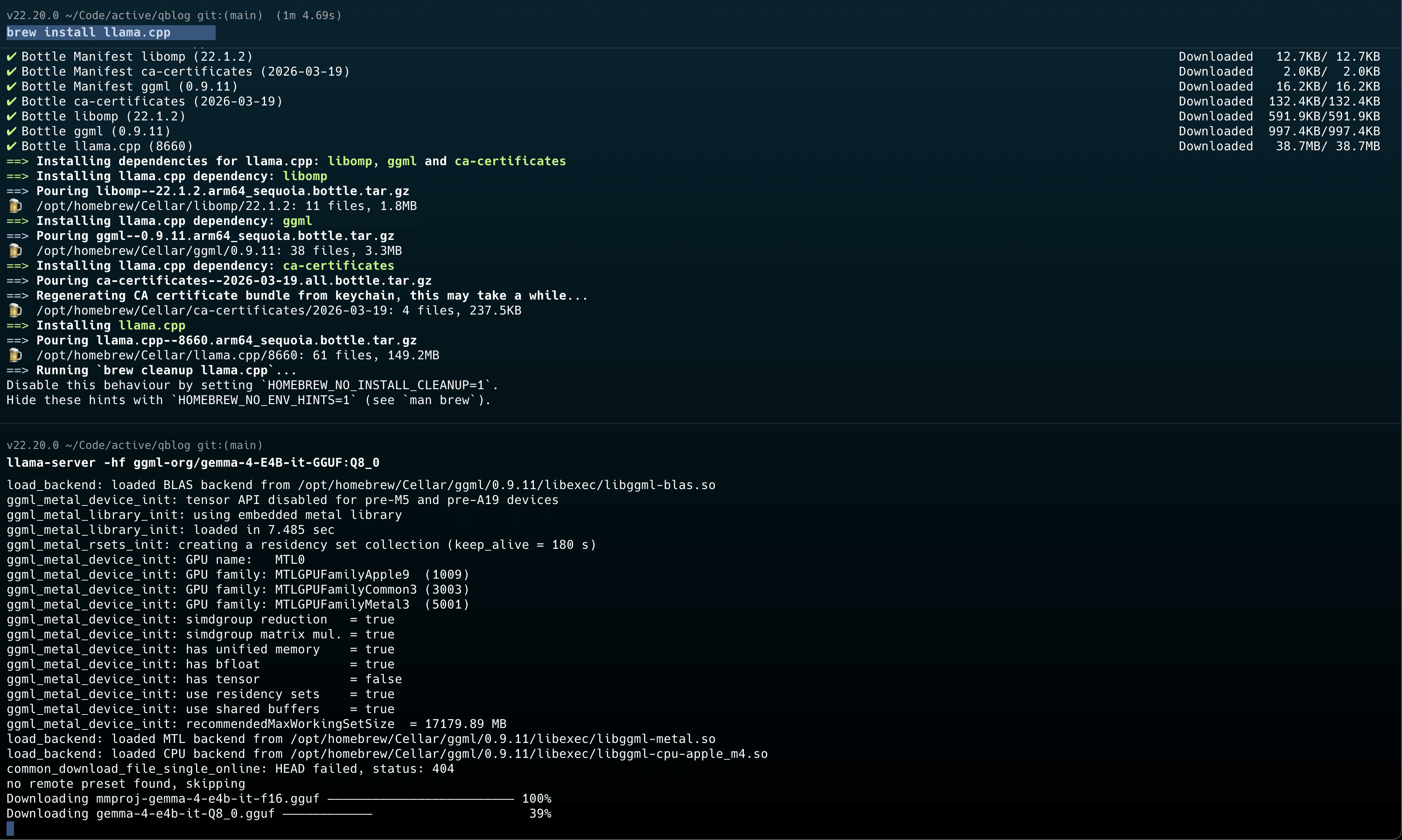
The first thing is we’ll need to install llama-server if not installed already
brew install llama.cpp
Once you’ve that installed, you can just start the server like this
llama-server -hf ggml-org/gemma-4-26b-a4b-it-GGUF:Q4_K_M
Configure OpenClaw to use gemma-4
Once the server is running, you can just use it like this in OpenClaw. Bascially, we’ll be using custom provider and uses OpenAI’s API schema.
openclaw onboard --non-interactive \
  --auth-choice custom-api-key \
  --custom-base-url "http://127.0.0.1:8080/v1" \
  --custom-model-id "ggml-org-gemma-4-26b-a4b-gguf" \
  --custom-api-key "llama.cpp" \
  --secret-input-mode plaintext \
  --custom-compatibility openai \
  --accept-risk