How to enable learning mode in Claude Code

In Claude Code, you can change the output style to Learning or Explanatory that helps to userstand the codebase better. Instead of just accepting everything that the AI generates, we can learn from it and catch any issues early.
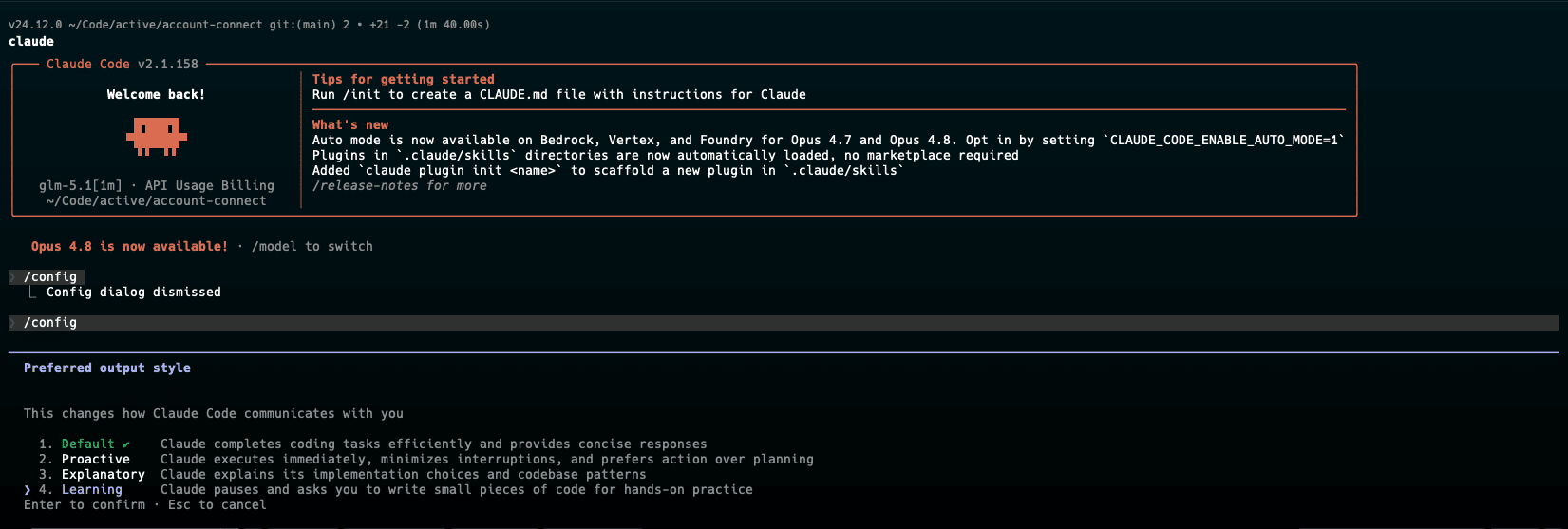
By default, it’ll set it at project level at .claude/settings.local.json
{
  "outputStyle": "Explanatory"
}
Output style is part of the system prompt, which Claude Code reads once at session start.